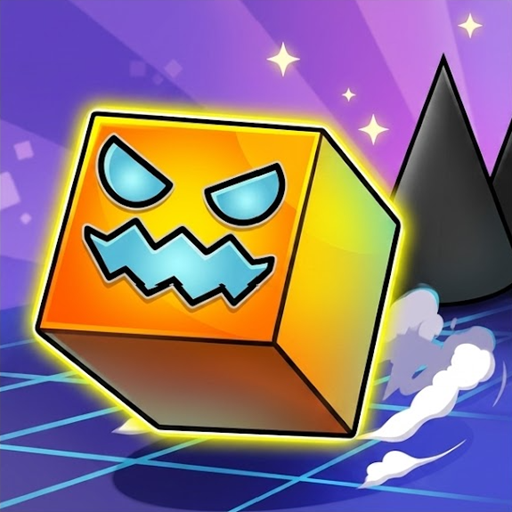
What Is Geometry Dash Lite?
I still remember the first time I loaded up Geometry Dash Lite on my browser. I thought it would be a quick 5-minute session. Two hours later, I was still stuck on the exact same spike section, tapping my keyboard frantically. That is the magic of this game.
Geometry Dash Lite is a stripped-down, ultra-responsive rhythm platformer developed by RobTop Games. You control a tiny geometric icon that moves forward automatically. Your only job is to jump, fly, and time your moves to the beat of energetic electronic music. One single mistake sends you right back to the beginning of the level. It sounds simple, but the brutal difficulty keeps millions of players hooked worldwide.
If you ever want to experience the full madness with custom level creators and endless soundtracks, you should check out Geometry Dash Full. But for anyone looking for instant action without spending a dime, the Lite version is the ultimate starting point.
How to Play GD Lite
- Left mouse/ Spacebar/ W/ Up arrow key = Jump or Fly up.
Your icon moves automatically from left to right. When you hit a jump pad or an orb, your timing must be precise down to the millisecond. The game features two distinct modes:
- Normal Mode: You play through the level continuously. Dying resets your progress to 0%.
- Practice Mode: You can place checkpoints along the map. This mode is a lifesaver when learning difficult rhythm patterns.
If you enjoy fast-paced side-scrollers with unique music themes, you might also like testing your reactions in Geometry Dash Meltdown.
Tips to Master the Hardest Levels in Lite
After spending dozens of hours dying on Stereo Madness and Back On Track, I learned a few crucial techniques that changed my gameplay:
- Turn up the volume. This is not just a platformer; it is a music game. The visual traps almost always sync directly with the beat drop.
- Master Practice Mode first. Do not rush into Normal Mode blindly. Memorize the tricky portal shifts with checkpoints first.
- Focus on your icon, not the screen edge. Looking too far ahead creates panic. Keep your vision focused slightly in front of your character.
- Take breaks. Rage-quitting is real. When your thumbs get stiff, step away for ten minutes. You will play much better with fresh focus.
Frequently Asked Questions
Is Geometry Dash Lite free to play on browser?
- Yes. You can play Geometry Dash Lite entirely for free in your web browser without downloading any software.
Can you play Geometry Dash Lite on mobile devices?
- Yes. The game works smoothly on both iOS and Android mobile browsers as well as desktop computers.
Do I need to register an account to play Geometry Dash Lite?
- No. You can start playing immediately as a guest without creating an account or logging in.