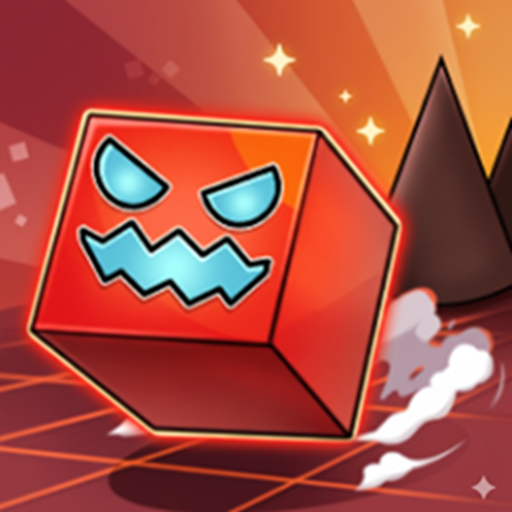
The rhythm-platformer genre has many legends, but nothing quite tests your patience and reflexes like the Geometry Dash series. As someone who has spent hours tapping, crashing, and restarting these levels, I can tell you that Geometry Dash Meltdown takes the classic formula and cranks the intensity all the way up. It is fast, unforgiving, and incredibly satisfying when you finally nail a perfect run.
If you loved the original Geometry Dash Full game, this spin-off brings a whole new level of fire and spikes to your screen. Let's break down what makes this version a must-play for browser gamers.
What is Geometry Dash Meltdown?
Geometry Dash Meltdown is a rhythm-based action platformer developed by RobTop Games. It serves as a standalone expansion to the original game. In this version, you navigate a neon icon through a series of dark, fiery caverns filled with monster faces, lava pools, and moving hazards.
The game syncs every obstacle to an aggressive, high-energy electronic soundtrack. If you jump off-beat, you will likely hit a spike. It is a game of pure muscle memory. I found myself humming the main theme songs even after closing the browser tab because the audio design is just that catchy.
How Do You Play Geometry Dash Meltdown?
Gameplay and levels
The rules are simple, but the execution is brutal. Your icon slides forward automatically. Your only job is to time your jumps to avoid crashing.
The game features three main levels:
- The Seven Seas: A great warm-up level with a pirate-themed electronic beat.
- Viking Arena: The difficulty spikes here with tighter jumps and faster transitions.
- Airborne Showdown: A chaotic mix of gravity flips and rocket-flying segments.
As you play, you will hit jump rings that boost you mid-air and jump pads that launch you automatically. The real challenge starts when your icon enters a portal and transforms. One second you are a jumping cube, and the next you are piloting a mini-rocket ship through narrow tunnels.
Control layout
- Tap on the screen to jump and fly when you play by a mobile device.
- Playing on a desktop browser actually gives you a slight edge over mobile touchscreens. Here are the default controls you need to know:
- Jump / Fly Upward: Press the Spacebar, the Up Arrow key, or Left-Click your mouse.
- Pause the Game: Press P or Esc.
My personal tip: Use the Spacebar. It gives you a much more satisfying tactile feel, which helps a lot with maintaining a steady rhythm during the intense rocket sections.
Why Should You Play Meltdown Instead of Other Platformers?
Many browser games feel repetitive, but Meltdown keeps you hooked because of its sheer difficulty. It does not feel unfair. When you crash at 98% on a level, you know it was your fault, not the game's. This makes you want to hit that instant restart button immediately.
Compared to the standard Geometry Dash Full experience, Meltdown focuses heavily on visual effects. The screen shakes, torches flare up to the beat, and giant monster jaws snap shut just as you pass them. It is a sensory overload in the best way possible.
Frequently Asked Questions
Is Geometry Dash Meltdown free to play?
- Yes. You can play the full version of Meltdown completely free in your web browser without paying for any microtransactions.
Do I need to download anything to play it?
- No. The game runs directly in your browser using HTML5 technology, so you can play it instantly on your PC or Chromebook.
Is Geometry Dash Meltdown harder than the original game?
- Yes. The three levels in Meltdown are generally trickier than the early levels of the original game due to more visual distractions and faster speed changes.
Can I create my own levels in Meltdown?
- No. The level editor feature is exclusive to the main Geometry Dash game. Meltdown only features the three official campaign levels.